Draw a Flag! Codes
Honest status, redemption checklist, and where to watch for the next drop.
Current status (rechecked November 17, 2026)
As of November 17, 2026, this wiki has not found any publicly verified working promo codes for Draw a Flag! by Meow Forge. That is not a tease and not a soft maybe—it means we refuse to list guesswork strings, recycled codes from other Roblox experiences, or social posts that nobody has confirmed in-game. The Meow Forge group shout was also empty of promo text on that recheck date.
Do not confuse this game with lookalike titles. Codes floating around for The Forge, Flag Wars, Color My Flag, or other “flag / forge / draw” Roblox experiences will not redeem here and train bad habits. Only accept strings that clearly name Draw a Flag! (or Meow Forge’s place for this title) and that redeem in a fresh session.
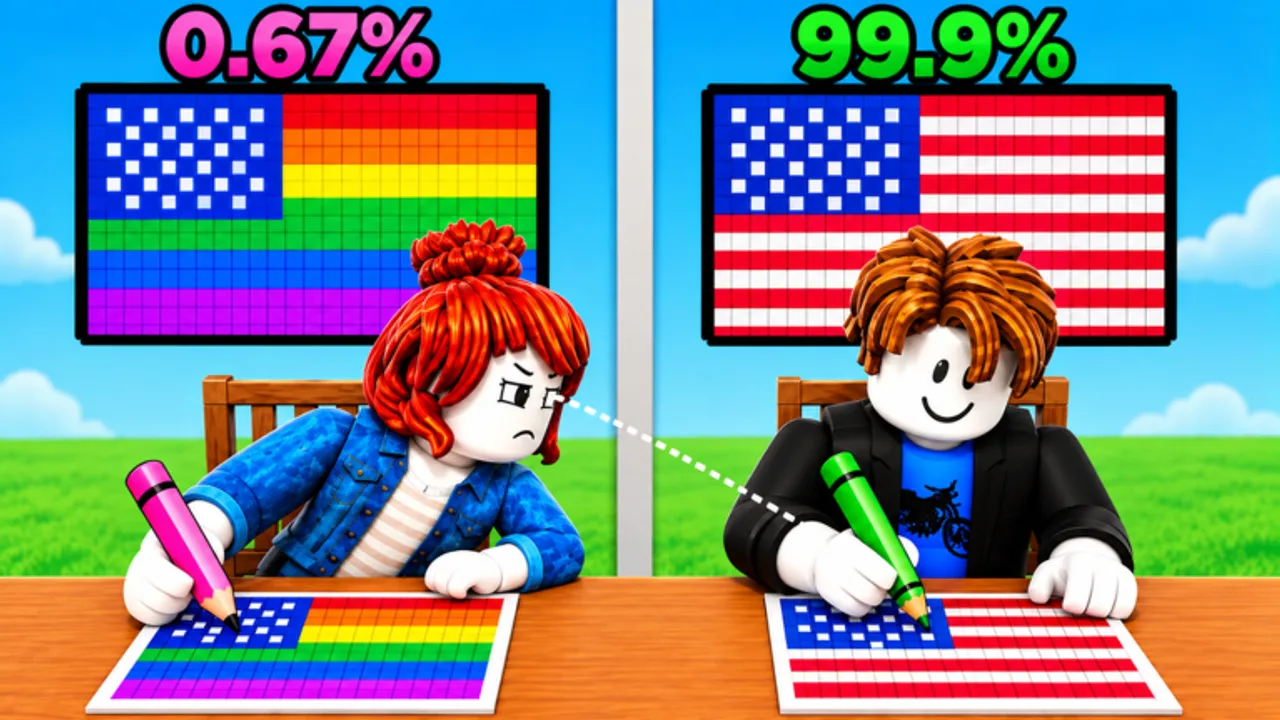
Party and Casual titles often add a Codes, Gift, or Redeem box after the first wave of milestones (visit goals, anniversary weeks, or apology shutdowns). Draw a Flag! shipped on 2026-10-10 as a pixel-art flag duel where you beat the opponent with higher drawing accuracy. Mid-November traffic sat near ~10.7M visits and ~756k favorites, which is exactly when some games drop milestone gifts—yet none are verified for this place yet. Codes may appear later; until a string is confirmed live, this hub stays empty on purpose.
Bookmark this page and pair it with the Updates Hub. When Meow Forge ships a patch that also drops a code, we will add the string, the reward, and an expiry note here first.
Where codes usually appear for Meow Forge games
Developers rarely hide codes in random comment sections. Check these channels in order:
- Meow Forge group — Join Meow Forge (~246k members) and watch the group shout and group wall. Milestone shoutouts are the most common first signal.
- Game page description — Open the experience page and scan for
[UPD]tags or “CODE:” lines in the description after a soft shutdown. - In-experience UI — Some party games surface a temporary banner after you load into a lobby.
- Social links on the group or game page — If Meow Forge later adds Discord or social icons, use those official links only. This wiki does not invent Discord invites.
Ignore third-party “code generators,” paid Discord bots, and lists that mix Draw a Flag! with The Forge, Flag Wars, Color My Flag, or unrelated drawing experiences. Wrong-game codes waste time and can be phishing bait.
How redemption UIs usually work in Roblox party games
Exact button labels change per title, but the pattern is familiar:
- Look for Codes, Gift, Redeem, Rewards, or a ticket/gift icon near Settings, Shop, or the top bar.
- Codes are often case-sensitive. Copy and paste instead of retyping.
- Rewards usually land in inventory, currency, cosmetics, or a mail/claim inbox—check all three before assuming failure.
- Many experiences require you to be fully loaded in a server (not stuck on the loading screen) before the redeem button works.
When Draw a Flag! adds a real redeem path, the dedicated how to redeem codes guide will walk through the exact clicks, plus troubleshooting for typos, expired strings, and already-used rewards.
Checklist for the day a code drops
Use this sequence so you do not miss a short window:
- Confirm the string came from Meow Forge (group shout, official description, or a trusted in-game banner)—not a random reply guy and not a screenshot from another game.
- Copy the code exactly, including punctuation and capitalization.
- Launch Draw a Flag! from the official Roblox page and wait until the lobby or duel UI finishes loading.
- Open Codes / Gift / Settings (whichever the update introduces) and paste once.
- Read the success or error toast. If it fails, try the steps on how to redeem before assuming the code is fake.
- Rejoin once if the UI looks stale after a soft shutdown.
- Note the reward so you can verify it in inventory or currency.
- Cross-check Updates for patch context—codes often ship beside new flags, tools, or accuracy balance changes.
What to do while there are no codes
Promo codes are nice; practice wins duels. Use the time to:
- Finish the getting started path so controls, accuracy scoring, and lobby flow feel automatic.
- Study the tier list hub when flag or tool rankings matter for your playstyle.
- Drill common mistakes and follow a practice plan so win rate climbs without waiting on cosmetics.
- Find fair duel partners through the Players / community hub and the Meow Forge group instead of hopping into toxic servers.
- Keep an eye on Updates so you know when
[UPD]hits the title and whether Meow Forge mentioned rewards.
Improving line control, silhouette recognition, and timer management will raise your win rate more reliably than waiting on a free cosmetic that may not exist yet.
How this wiki verifies codes
We only list a code when at least one of the following is true:
- It appears on an official Meow Forge channel (group shout/page or game description) and redeems successfully in a fresh session, or
- Multiple independent players confirm the same string and reward in-game within a short window, with matching error behavior for expired/used cases.
We will not publish:
- Codes copied from The Forge, Flag Wars, Color My Flag, or other Roblox games that happen to include “Forge,” “Flag,” or “Draw” in the title
- Unverified Discord screenshots without a working redeem
- “Probably works” lists designed to farm clicks
This site is an unofficial fan wiki. It is not affiliated with Meow Forge or Roblox. Official news always wins when something conflicts.
Related pages
- How to redeem codes — step-by-step flow and troubleshooting for when codes exist
- Getting started — day-one accuracy and lobby basics
- Practice plan — structured drills while you wait on promos
- Updates Hub — release timeline and how to read
[UPD]tags - Players Hub — group join tips, duel etiquette, and reporting
- Official links — Roblox game page and Meow Forge community
When the first verified Draw a Flag! code appears, this hub will switch from status notes to a live table with rewards and expiry. Until then, treat every random code dump online as untrusted—especially anything that mixes this title with The Forge or Flag Wars lists.
Frequently Asked Questions
Quick answers for Draw a Flag players.
Are there any working Draw a Flag! codes right now?
As of November 17, 2026, this wiki has no publicly verified active promo codes for Draw a Flag! by Meow Forge. We will list strings here only after official or multi-player confirmation.
Can I use The Forge or Flag Wars codes here?
No. Those are different Roblox experiences. Codes for The Forge, Flag Wars, Color My Flag, or other lookalike titles will not redeem in Draw a Flag! and should be ignored.
Where will Meow Forge post new codes?
Watch the Meow Forge Roblox group shout and page, the game description after [UPD] patches, and any official social links the developers add on the group or experience page.
How do I redeem a code when one drops?
Load into Draw a Flag!, open the Codes, Gift, Rewards, or Settings UI, paste the exact string, and claim. Full steps and troubleshooting live on the how to redeem guide.
Why does this page refuse to list codes from other sites?
Unverified lists often mix expired strings, wrong-game codes, or scams. Publishing them would waste player time and risk account phishing. Honesty beats a fake table.
Do I need Robux to use codes?
Promo codes on Roblox experiences are typically free to redeem when they exist. You still need access to the experience itself and a working redeem UI.